We are lucky with the readership of the blog that some write, spent time researching stuff that I find amazing and then are willing to spread this with the wider readership here. This is the same as the information below. I am not responsible for this and credit entirely Sk@rbrain (his name when the message was sent) and of course this can be updated as and when the permission is granted.

A long time back when people thought there was software for the Lincoln I put photos here how Ralf 121 had got the words PC on his radio, mine the same but the board was really hot around the CPU.
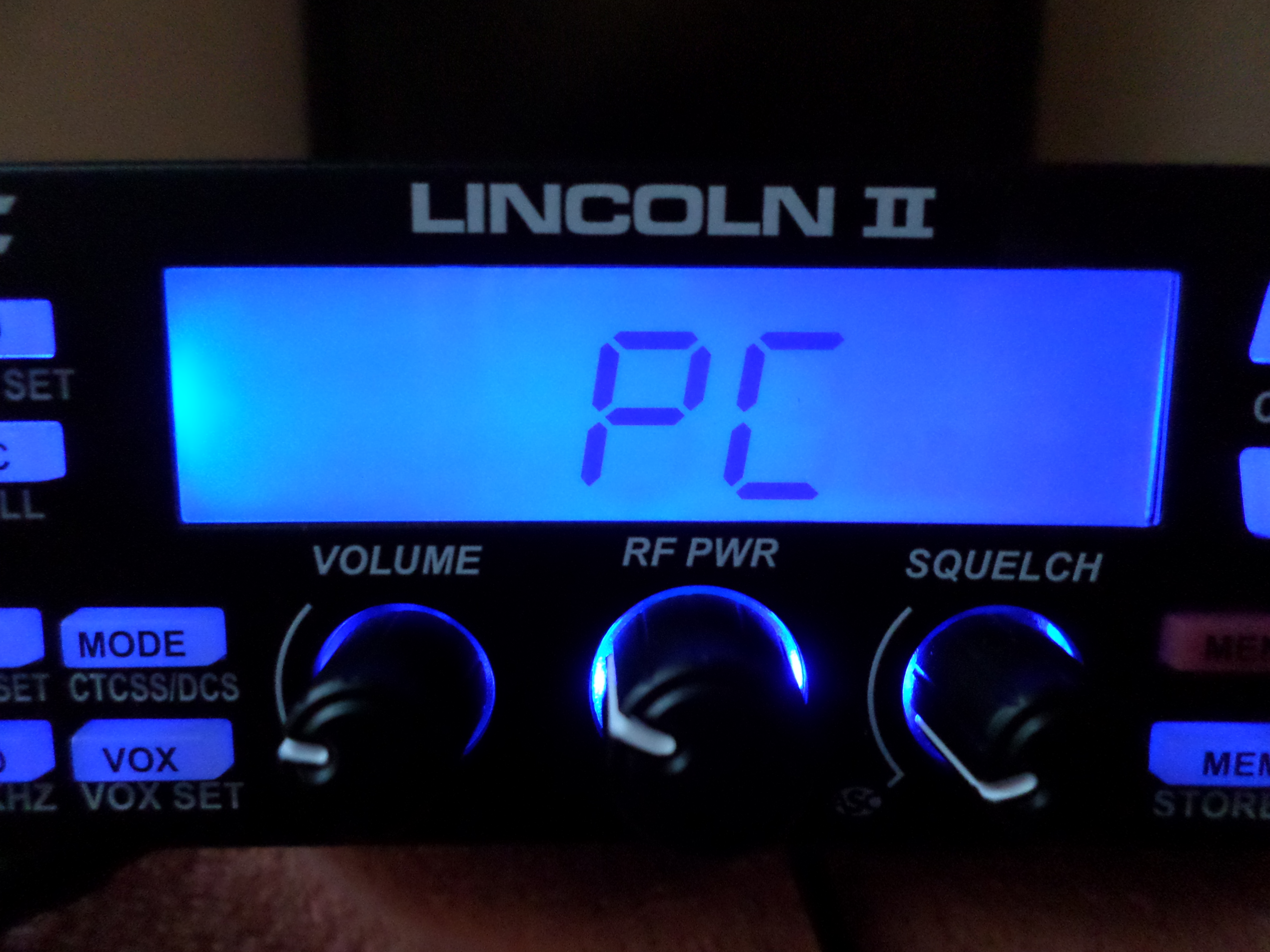
So as I understand the diagrams were checked, researched and below are the details of the messages sent to me about the radio:
Comment: Just for grins and giggles, I found the schematic for the President Lincoln II. And the reason why the board around the CPU got hot is because of the port wiring. The Data TX & RX are the only lines being used by the radio. The USB port on the radio is not wired as standard to the Mini B USB configuration.
Radio configuration:
Pin 1 is the V+ line and is shown as not connected however may be terminated to the board.
Pin 2 is the RXD1.
Pin 3 is the TXD1.
Pin 4 and 5 are terminated at ground.
This is from the #MUSB-BSF-105 (J506) which is then wired to CON3 (J507) as a three wire connection.
Pin 1 being RXD1.
Pin 2 being Ground.
Pin 3 being TXD1.
Con3 (J507) is plugged into the motherboard at CON3 (J504)
Location on schematic Row A Column 8 “Lincoln-2-CPU-V3 20140304”
If others (like myself) used a normal Mini B USB cable, it could possibly cause damage to the radio, the usb cable or both.
Cable (There are a lot of “standard” wiring configurations in the wild):
Mini USB pin out:
Pin 1: VCC 3.3 to 5.0 vdc
Pin 2: Data –
Pin 3: Data +
Pin 4: ID (Type A; Grounded, Type B; Not connected)
Pin 5: Ground
Pin 6: (Shield) May be a floating ground or not connected.
I hope this sheds some light on things. I am still looking for a “software package” to see what it does.
73 de Sk@rBrain
So the initial message sheds some light on the issues and after we made contact another time here is the follow up message from Sk@rbrain:
Greetings again.
Thank you Simon
Actually it only took me about 30 minutes to figure out what the problem was. The reason for that was I just purchased the Lincoln II and was curious what that port did.
So with a bit of searching, I found the schematics online, and knowing about the different types of connectors and such for the computers, it was as easy as putting 1 +1 together
And getting 2. That is what I have intentions of doing just that.
Another reason why the board got hot is I found that there is no level converter and it may be trying to apply RS-232 voltage levels directly to the CPU. This is only speculation because
We don’t have the cable they are using.
If I find out anything else, I will drop you a line. Oh feel free to add what I posted to you on your site.
So thanks indeed.. An excellently explained article about the radio. I am just sorry it took so long to add due to being swamped here. There are more things to come, including a new forum home for the Pirates.
All words are copyrighted to the man who sent them me. I know his name now, location and this article and words of the article are his, not mine except the initial opening comments.
one of these will do the trick http://www.ebay.com.au/itm/USB-UART-Converter-Cable-w-Prolific-PL2303-RS232-TTL-DE4230-/371062970316?pt=LH_DefaultDomain_0&hash=item56651397cc .use the tx rx and ground do not use the 5v wire. Another option is to use the program cable off a uv5r and make your own pinout adapter Remember to load a prolific driver.